AutoCastNow
Your library,
everywhere you drive.
AutoCastNow puts your personal media server — Jellyfin, Emby, or Plex — on your iPhone and your car's CarPlay display, and launches your streaming apps with one tap. Video plays only while you're parked. Safety first, always.
- Status
- Now in testing
- Platform
- iPhone + CarPlay
- Made for
- Drivers with a Jellyfin, Emby or Plex library
- Access
- Waitlist open
See it in the app
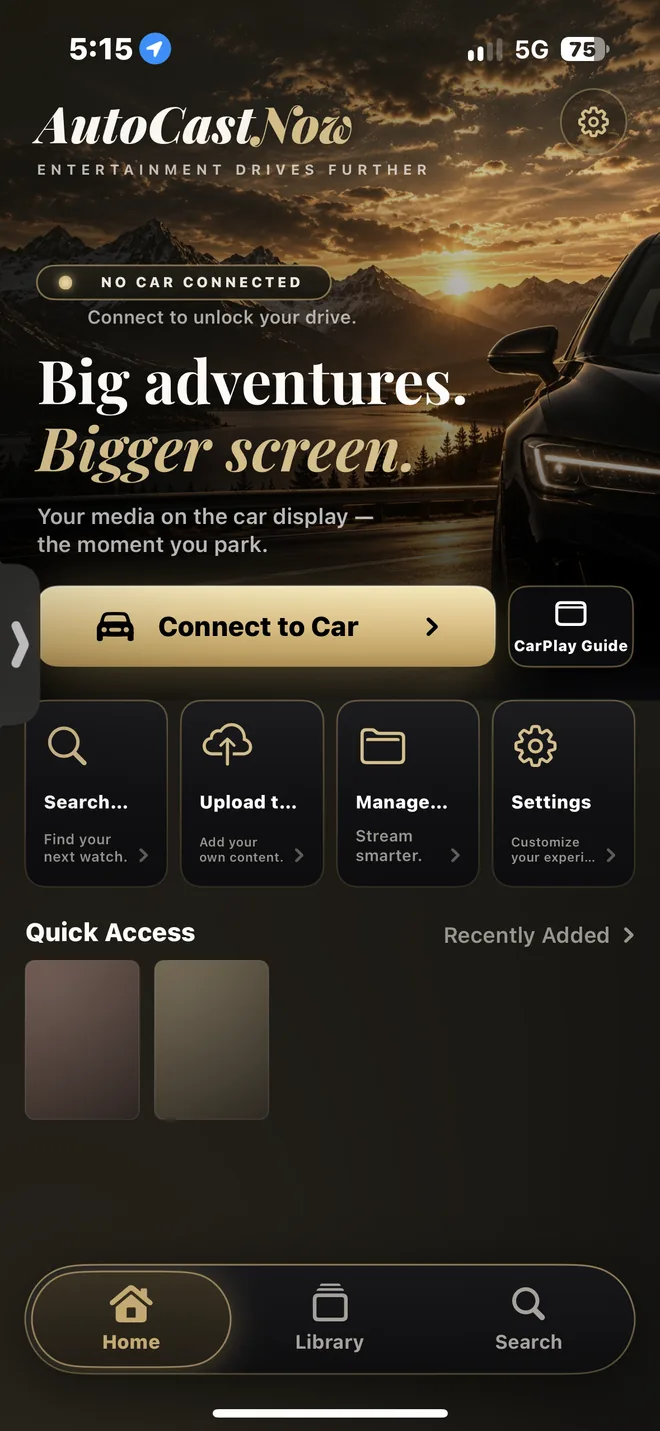
Real screenshots from the AutoCastNow iPhone app, taken on a test build. Sample thumbnails in the library are blurred.
-
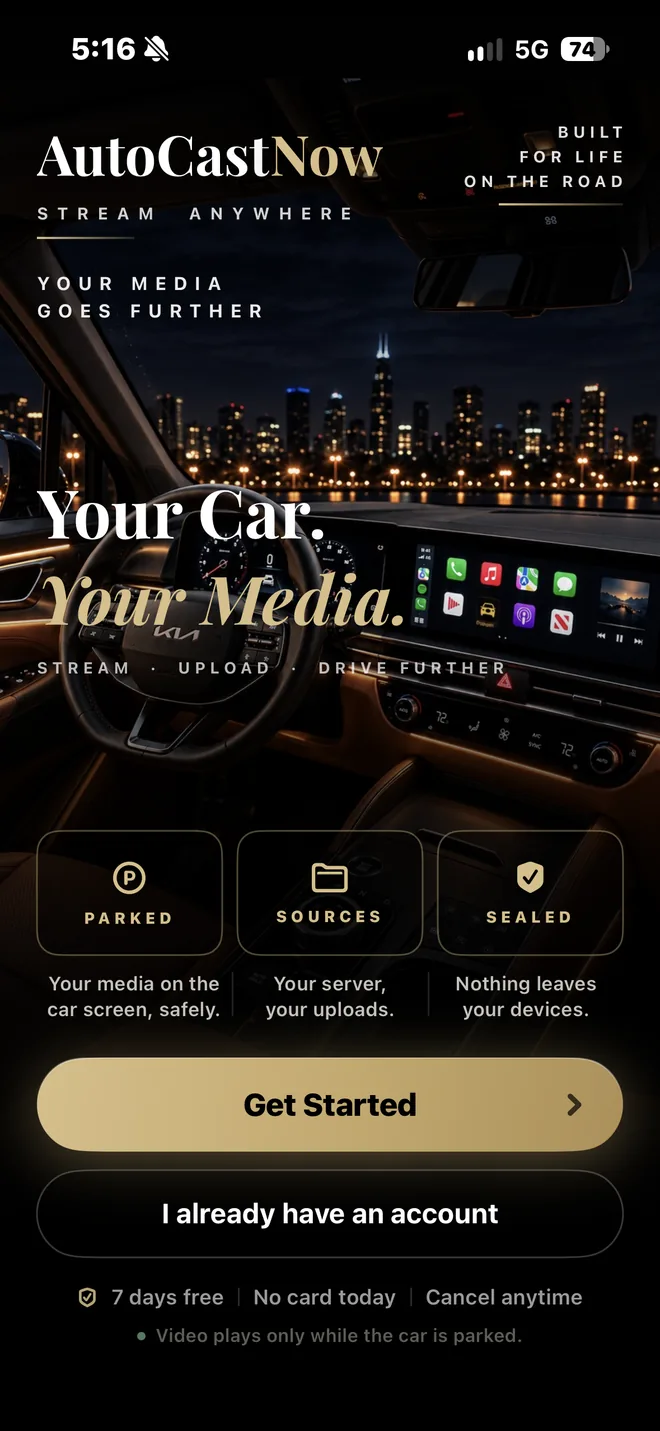
WelcomeThe first screen: your car, your media, and a Get Started button. -
HomeConnect to your car, or jump to search, upload and settings. -
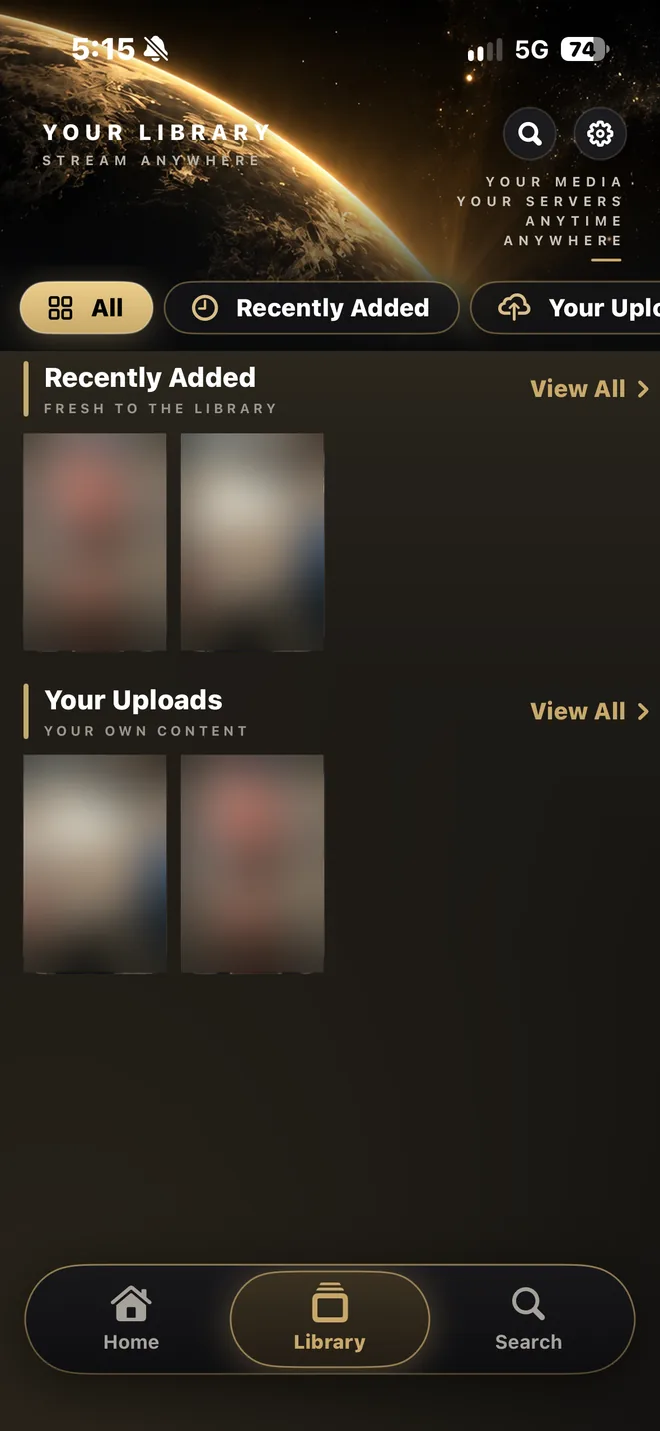
LibraryRecently added and your own uploads in one place. -
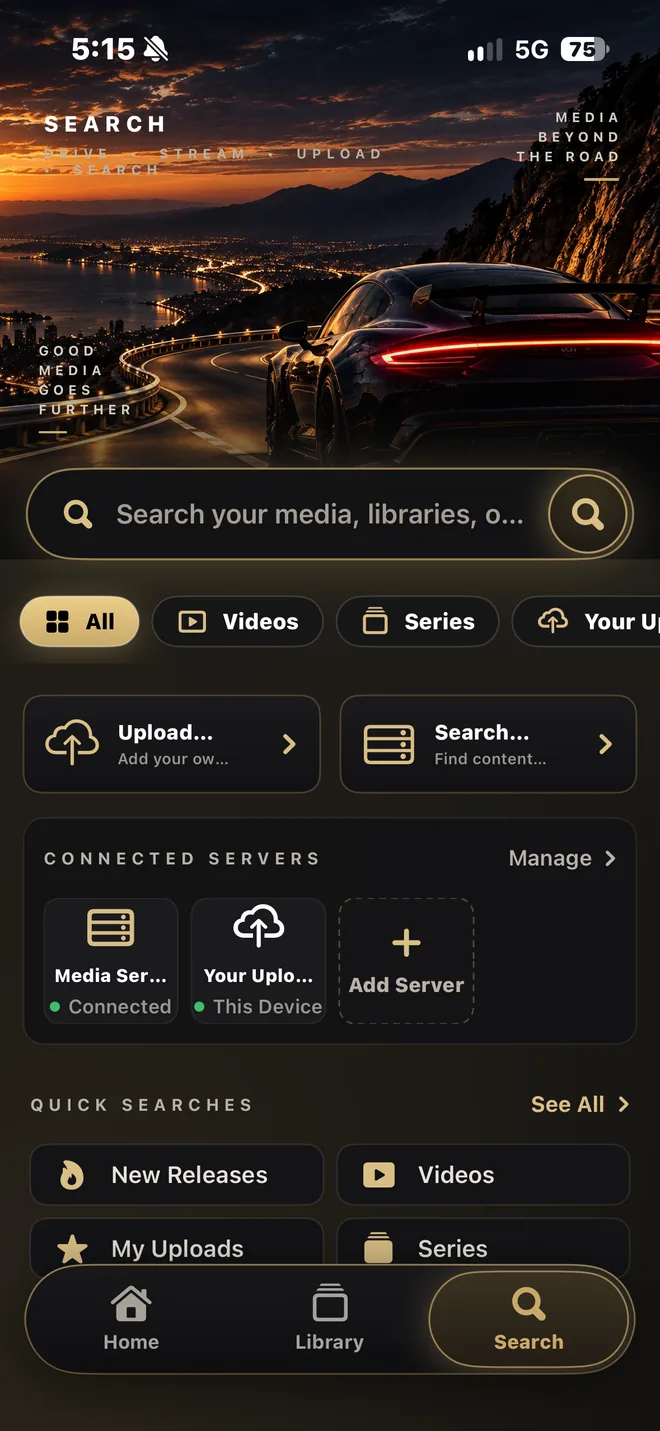
SearchSearch across your connected servers and this device.
One app, two superpowers
Everything you watch, in one place
Your media server, on the dash
Connect your own Jellyfin, Emby, or Plex server and browse your entire collection — movies, shows, artwork, and watch progress — right from your iPhone or your car's display. Your media streams directly from your server to your device. We never see it, touch it, or host it.
Every streaming app, one tap away
A beautiful launcher for the streaming apps already on your phone — Netflix, YouTube, Hulu, Disney+, Max, Peacock, Prime Video, Paramount+, Tubi, and more. AutoCastNow opens the official app; your accounts and subscriptions stay yours.
How it works
Three steps to your dashboard
Connect a server
Add your Jellyfin, Emby, or Plex server in the Library tab. Your address and sign-in are stored securely in the iOS Keychain — on your device, never on our servers.
Plug into CarPlay
Connect your iPhone to your car. AutoCastNow appears natively on the vehicle display with your full library and playback controls.
Park & play
When the vehicle is parked, video playback unlocks on the big screen. Start moving and it locks again — enforced by the app and the operating system.
Built with care
Why AutoCastNow
Native CarPlay
Not a workaround. AutoCastNow holds Apple's CarPlay entitlement and runs natively on your vehicle's built-in display.
Your servers, your rules
First-class support for Jellyfin, Emby, and Plex. Browse libraries, resume where you left off, and search your whole collection.
Parked-only by design
Video on the car screen is gated to when your vehicle is parked, using on-device motion and speed signals. It's a safety feature, not an option.
Privacy-first
Server credentials live in the iOS Keychain on your device. Location is used only to know you're parked — never stored, never sold.
Search everything
One search bar across every connected library. Find the movie, tap, and it's on your screen.
Free & Premium
Start free (ad-supported). Go Premium to remove ads and unlock everything — billed securely through your Apple ID, cancel anytime.
Safety isn't a feature. It's the foundation.
Video playback on the vehicle display works only while parked — enforced by both AutoCastNow and the operating system. The app uses on-device motion and speed detection to know when the vehicle is stationary, and locks video the moment you start moving. Audio and safe controls remain available.
Drivers must always follow local laws on screen use in vehicles. See our Terms & Conditions for full details.
The road to launch
Almost there
-
June 17, 2026 — Complete
CarPlay entitlement approved by Apple
CarPlay is locked down for safety, so every app must formally apply to Apple for a special entitlement before it can appear on a car screen. Apple reviews each request individually and approves only a limited number of developers — and AutoCastNow made the cut.
-
Right now — In testing
Real cars, real servers, real-world testing
The app is feature-complete and being tested across vehicles, head units, and media servers — polishing playback, the parked-only safety gate, and Apple's CarPlay design requirements ahead of App Store review.
-
Next — App Store launch
Coming to the App Store
Waitlist members will be the first to know the moment it's live. Join the waitlist.
Transparent by default
AutoCastNow has its own dedicated legal documents, written in plain language, covering exactly what the app does — and doesn't do — with your data.
AutoCastNow
Be first in line
We're putting the finishing touches on the ultimate CarPlay entertainment experience. Join the waitlist and be the first to know when it launches.
Join the Waitlist