Twin Leaf
Know what's safe to spend until payday.
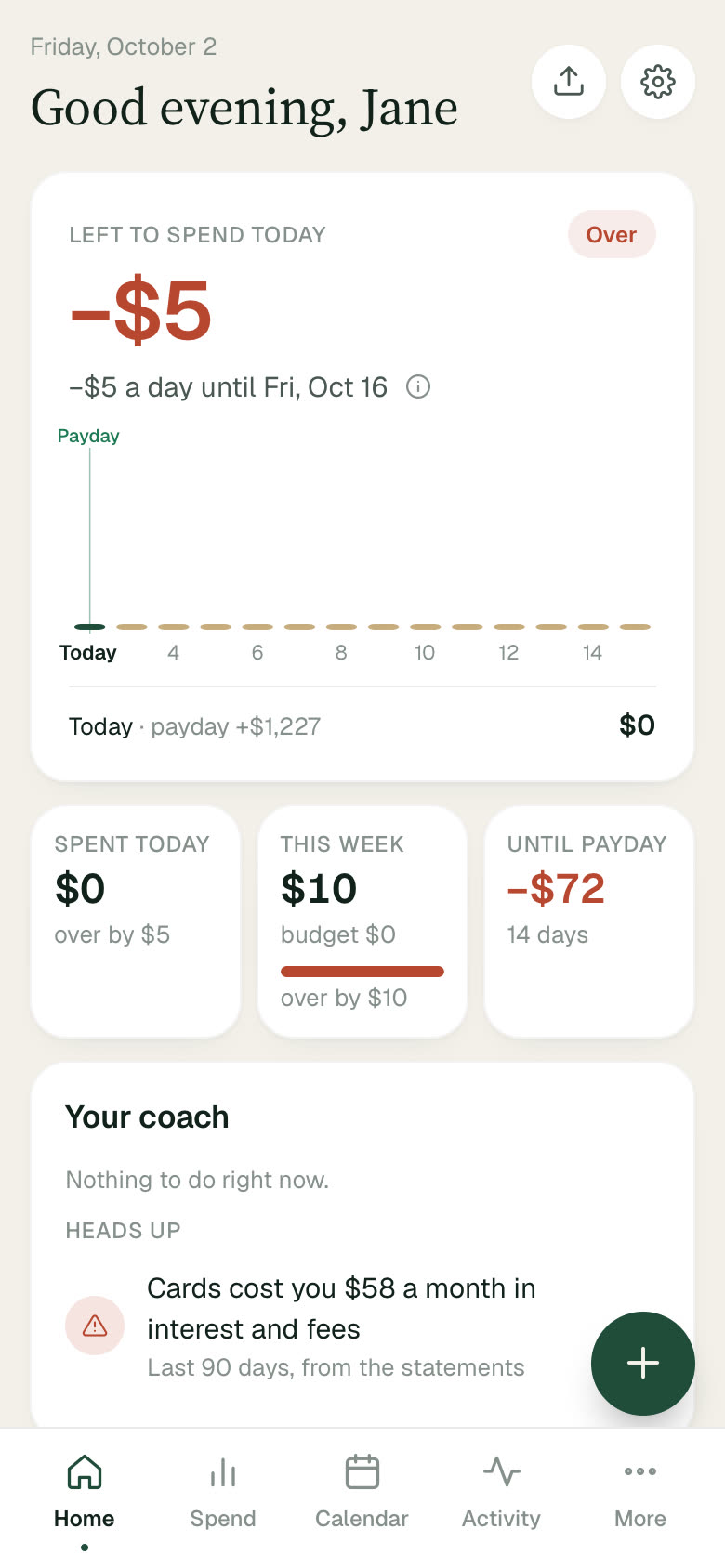
Twin Leaf is a money app for living paycheck to paycheck. It sets your bills aside, predicts your next paycheck, and tells you — in one number — what you can spend today. Then it gives you a debt-free date and one clear thing to do this week.
- Status
- Live
- Platform
- Web (installable on your phone)
- Made for
- People who live paycheck to paycheck
- Access
- Free
Built for the space between paychecks
One honest number, and a plan behind it
Safe to spend until payday
Your balance minus the bills due before your next paycheck, spread over the days left. One number for today — and it tells you plainly when you're over.
Bills found and tracked for you
Twin Leaf spots rent, loans, insurance and subscriptions in your history, then watches them — when they're due, and when one quietly goes up. You just keep or dismiss.
Paycheck prediction
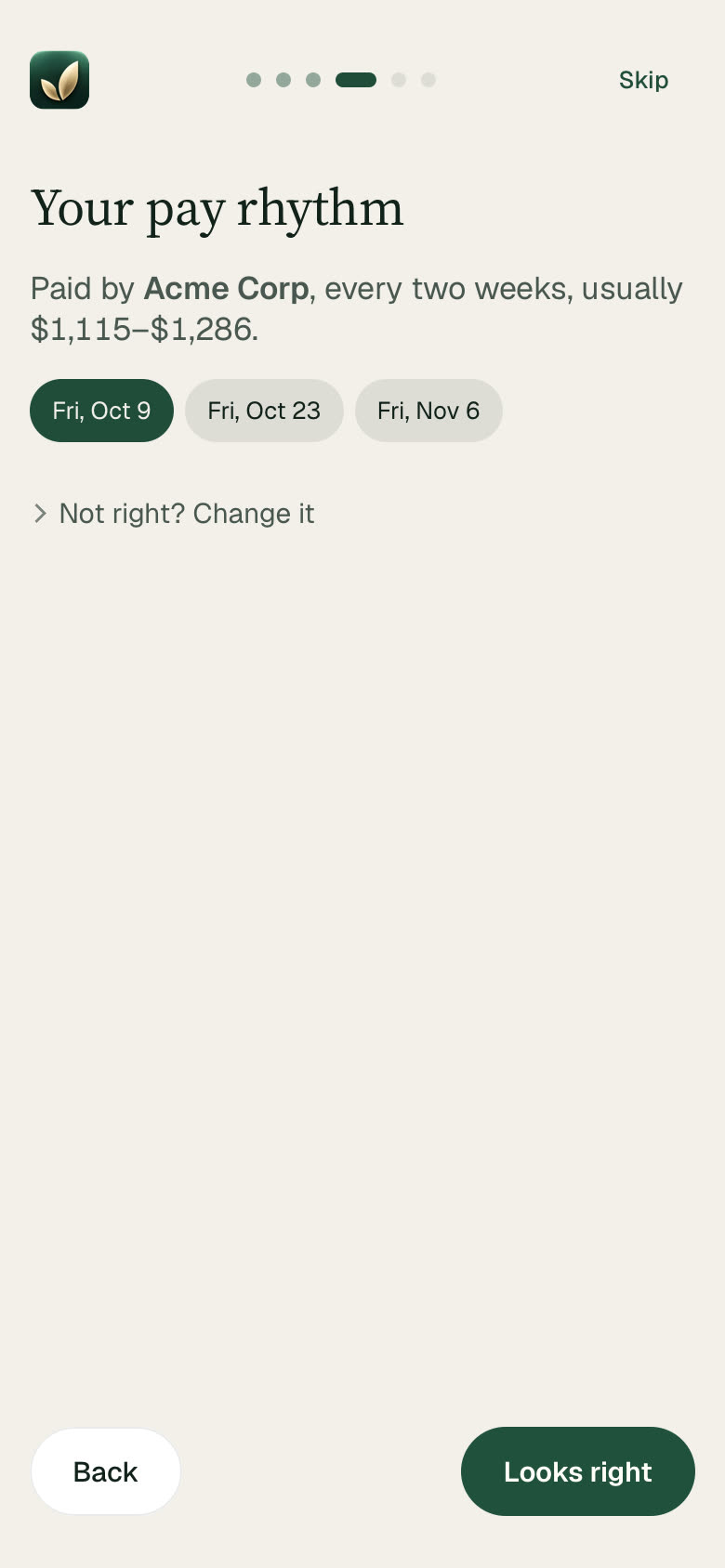
It learns your pay rhythm — who pays you, how often, and the usual range — and plans every day around the next deposit, not the end of the month.
A debt-free date and a weekly mission
Your cards and loans become a payoff plan you can live on, with a real finish date. Each week you get one clear mission — not a lecture.
A coach that says what to do next
Heads-ups in plain words: what your cards cost you in interest and fees, a bill that rose, a tight week ahead — and the move that helps most.
Budgets, goals and net worth
Suggested budgets from your own averages, goals that follow the accounts you pick, cash flow, a calendar of what's coming, and your net worth over time.
A guided start
From a statement to a plan in minutes
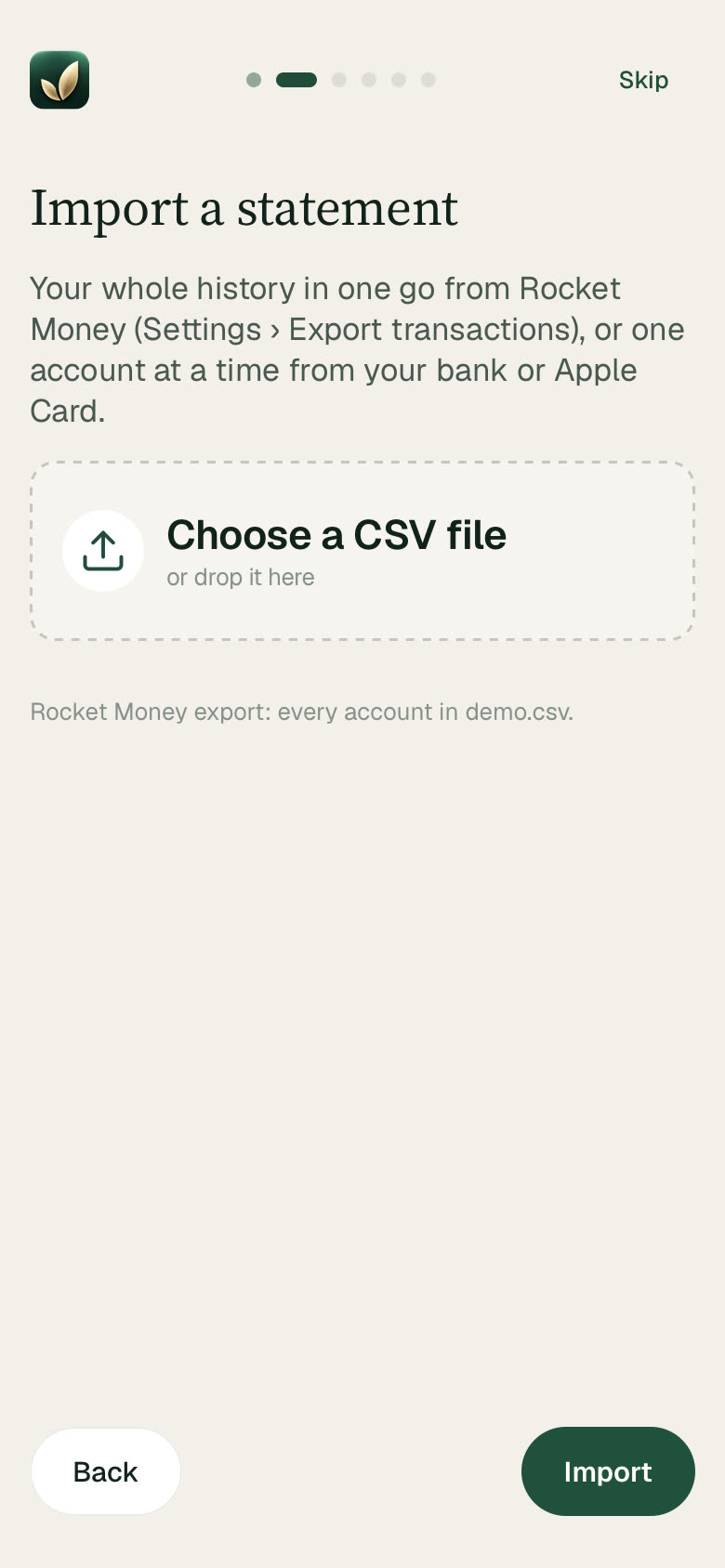
Import a statement — a Rocket Money export, an Apple Card statement or any bank's CSV. Files are read right in your browser; they're never uploaded. Twin Leaf finds the rest, and you confirm it.
-
STEP 1
Import a statement
Your whole history in one go — every account in the file.
-
STEP 2
Check your paydays
It finds your paycheck and predicts the next ones. Not right? Change it.
-
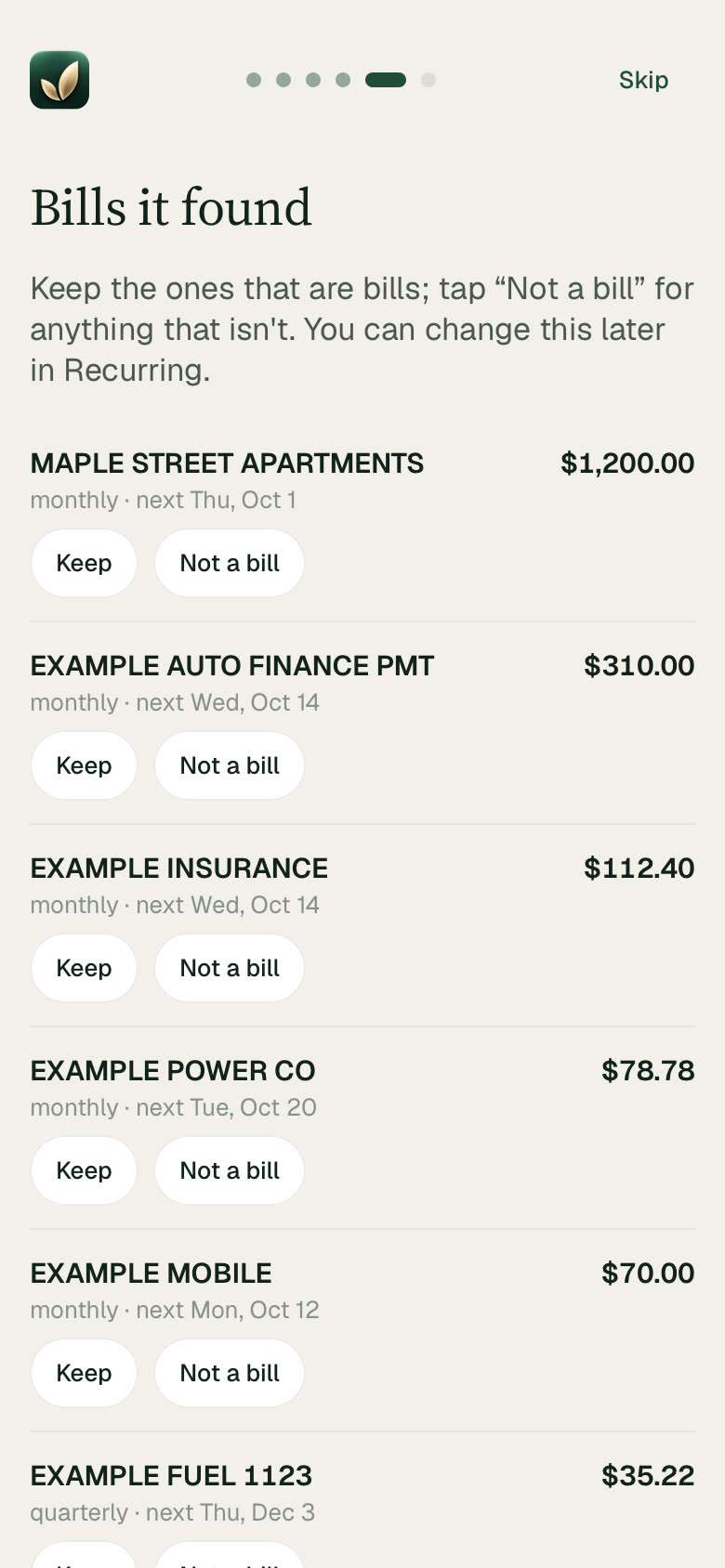
STEP 3
Keep the bills it found
One tap each: Keep, or Not a bill. They're set aside from then on.
-
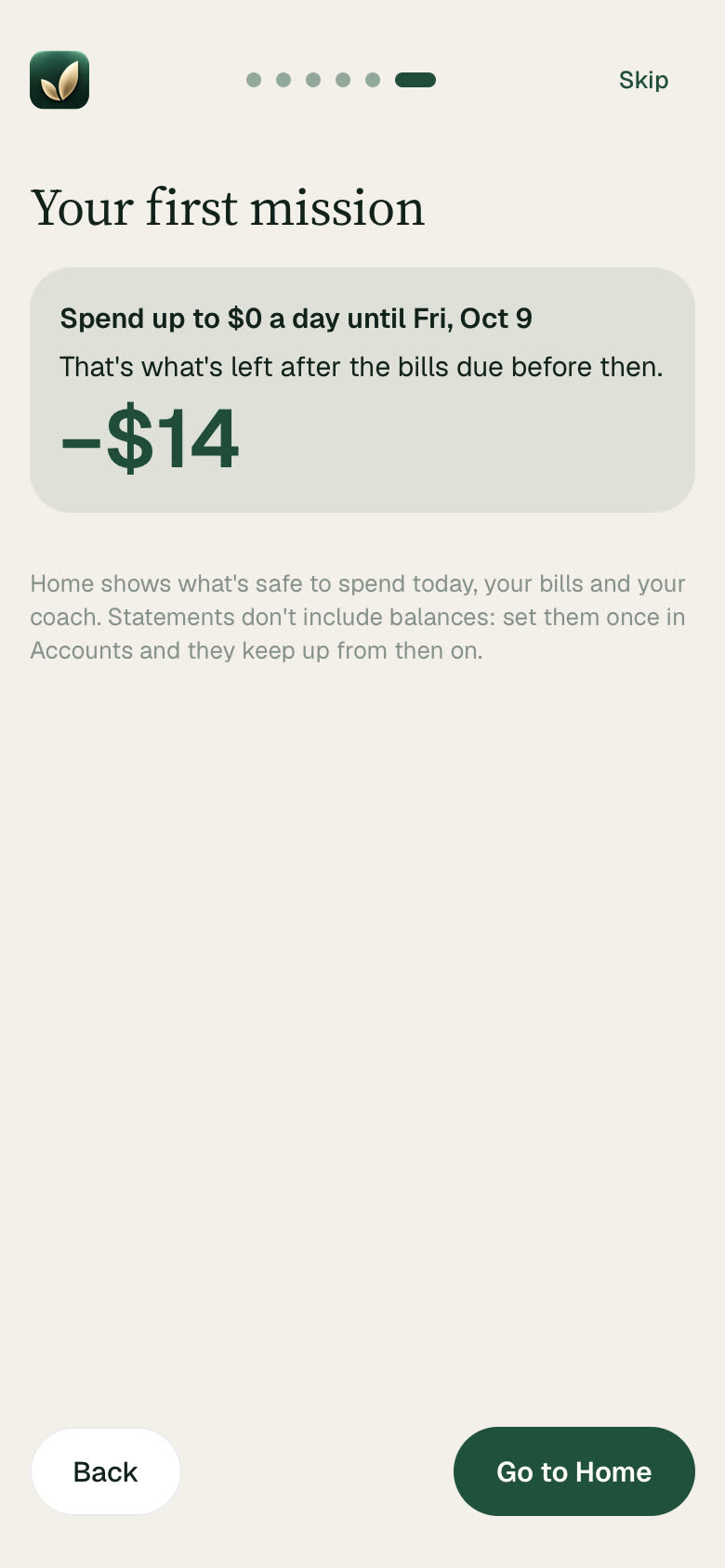
STEP 4
Get your first mission
One clear thing to do this week, worked out from your own numbers.
Inside Twin Leaf
Everything, a tap away
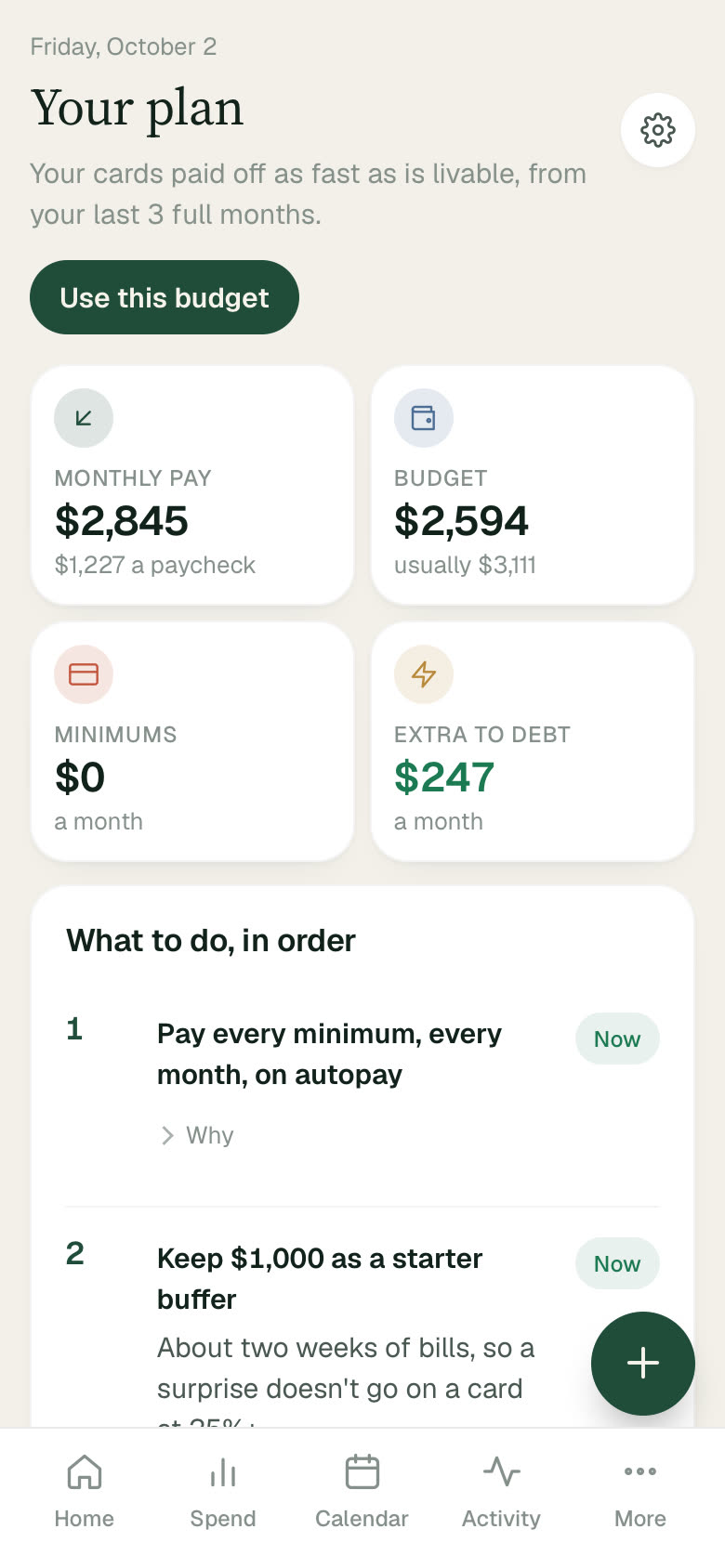
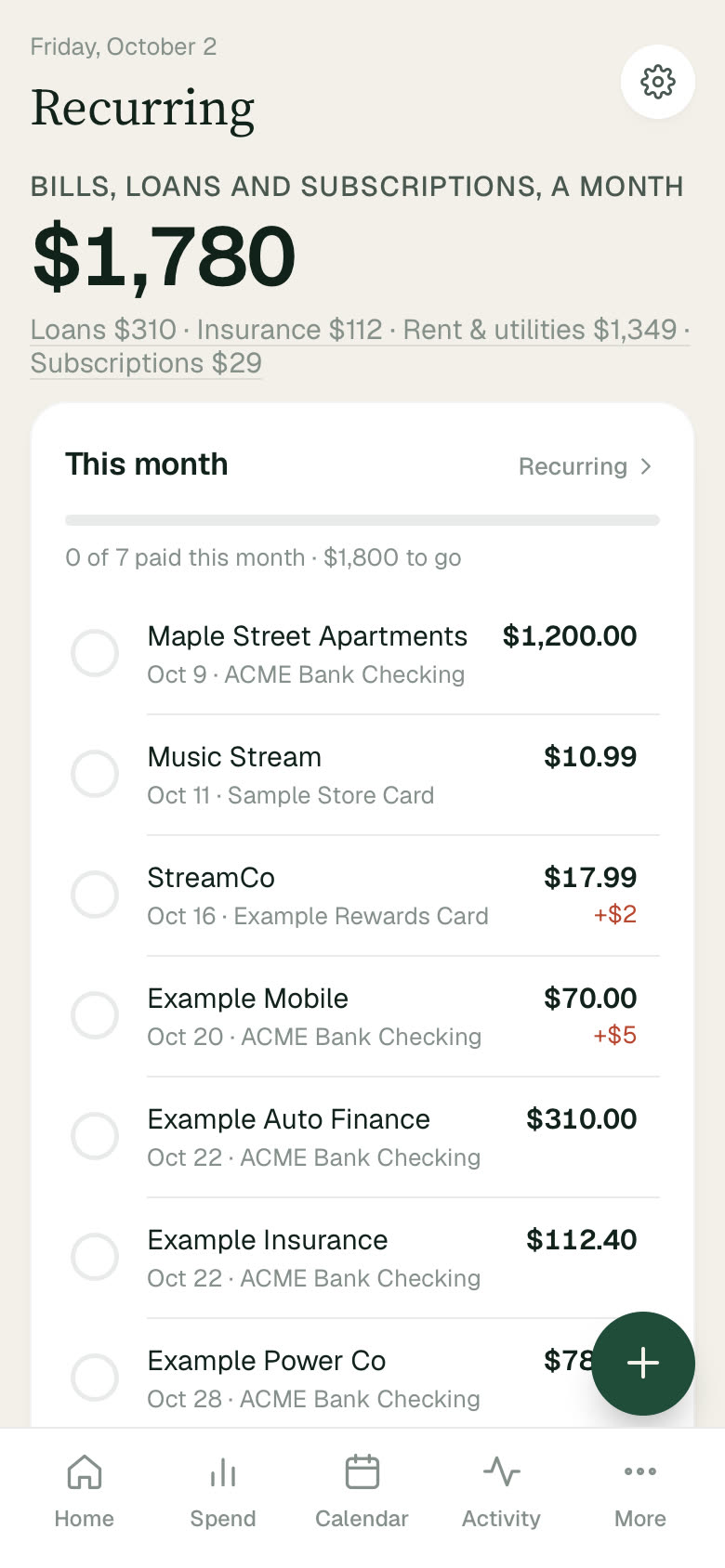
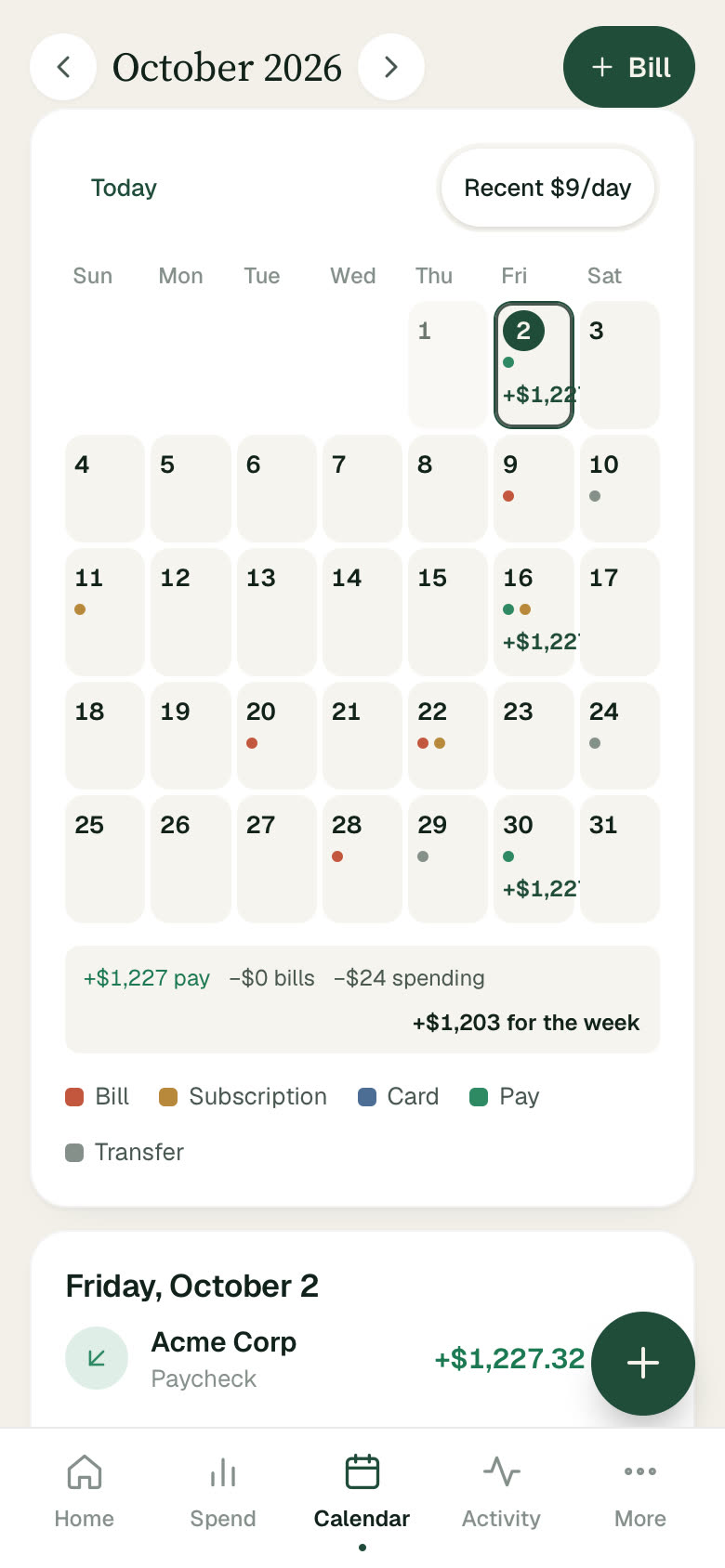
Screens show an invented demo household. Twin Leaf shows budgeting estimates, not financial advice.
Your money data is encrypted before it leaves your device.
Everything you add is encrypted on your device before it's saved, and opens only with your passcode or your recovery code. Google stores it for us in encrypted form, and we don't see its contents in the ordinary course. Choose a long passcode: the security page explains plainly what encryption protects against, and its limits.
- AES-256 encryption on your device
- Sign in with Apple or Google — no new password
- No ads, no analytics, no trackers
- We don't sell your data or use it for ads
- Statement files are read in your browser, not uploaded
- Export or delete everything, anytime
Transparent by default
Twin Leaf has its own legal documents, written in plain language — what the app does, what we can and can't see, and your rights.
Start with what's safe to spend
Free to use, in your browser. Sign in with Apple or Google, set a passcode, and import your first statement.
Try Twin Leaf